Your family's financial playground
Allowances, saving goals and smart budgeting. Parents set the rules, kids learn by doing.
Free forever. No ads, no upsell, no card.
What we offer
Twelve tools, one family account. Tap any screenshot to see it up close.

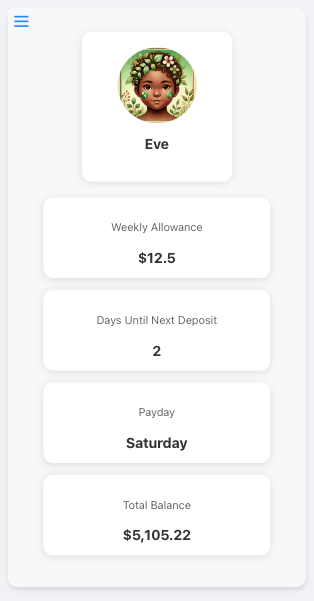
Family Dashboard
Manage all your children's accounts in one place, with easy-to-use controls for parents.
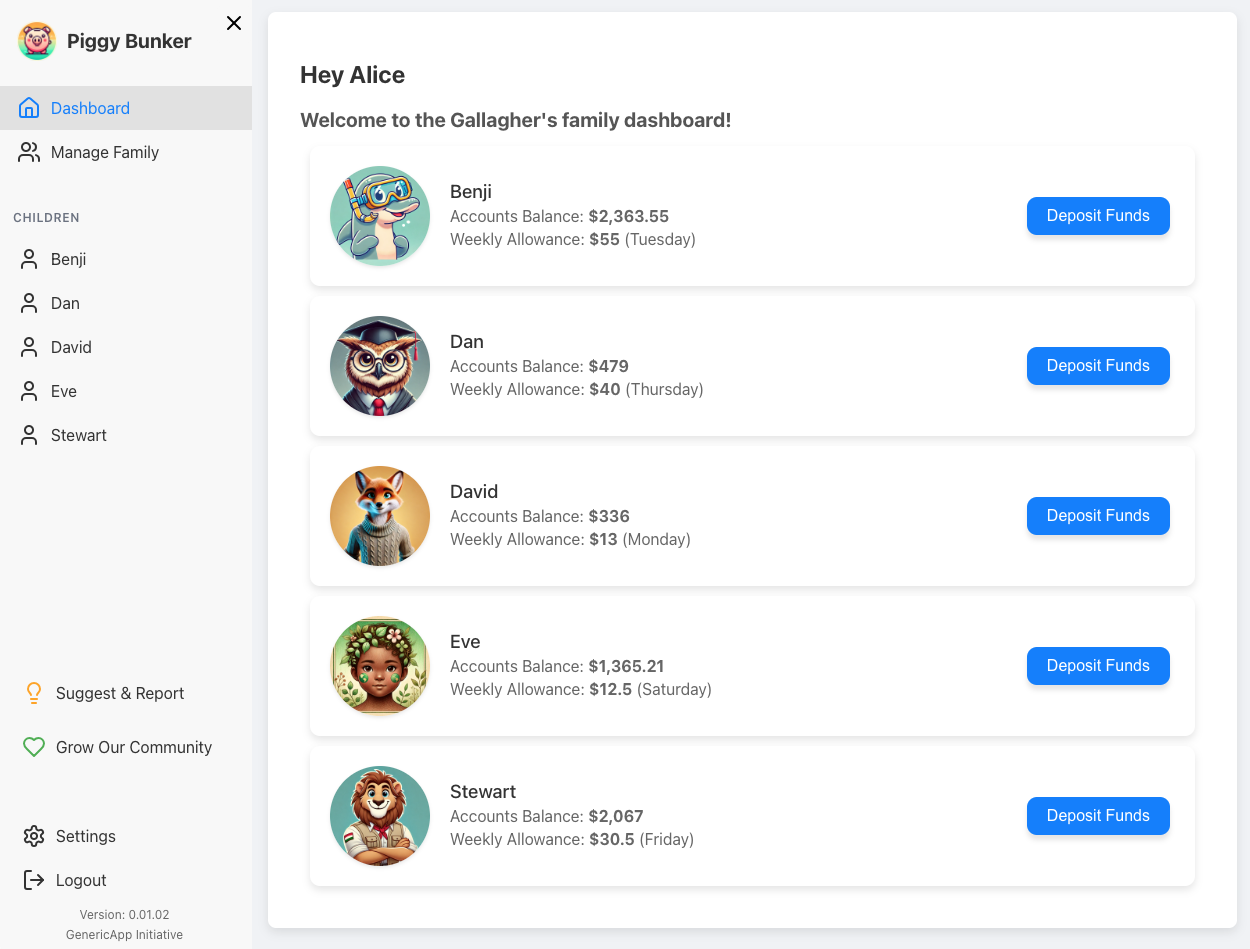

Child Accounts
Give your kids their own personalized space to manage their money and watch it grow.

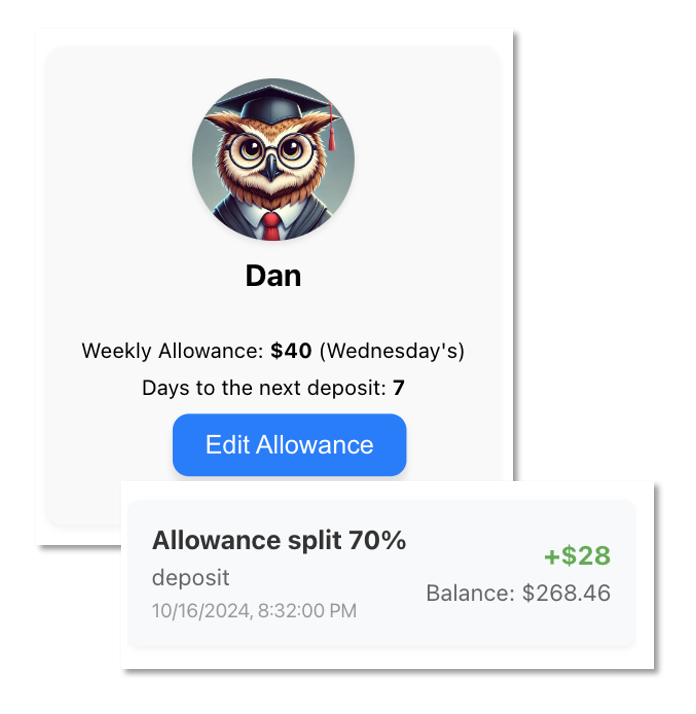
Weekly Allowances
Set up automatic weekly allowances to teach kids about regular income and budgeting.

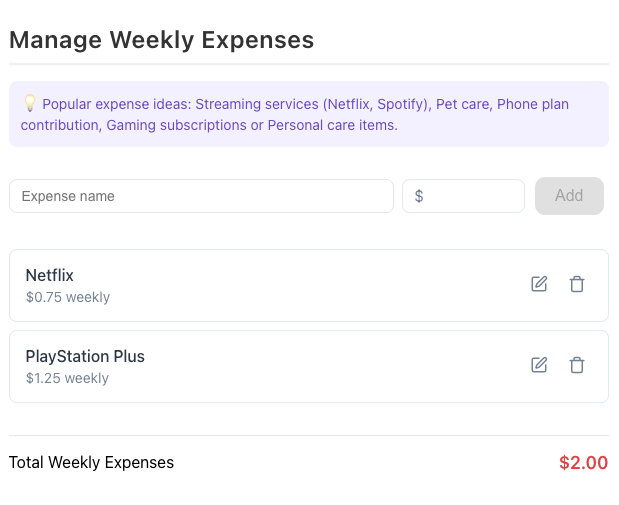
Recurring Expenses
Automatic weekly deductions for the child's own subscriptions, or shared family expenses like streaming and pet care.

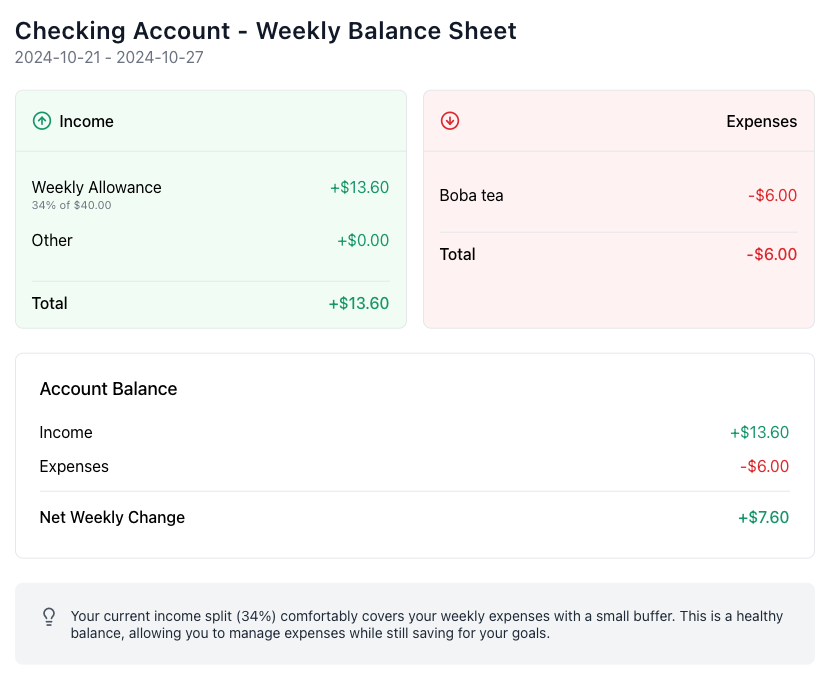
Weekly Balance Sheet
Show how allowance translates to real responsibilities with an easy weekly sheet of income and expenses.

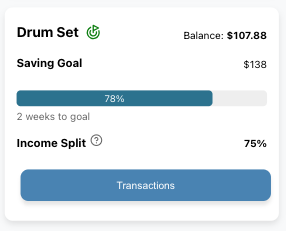
Saving Goals
Help kids set and achieve financial goals with visual progress tracking.

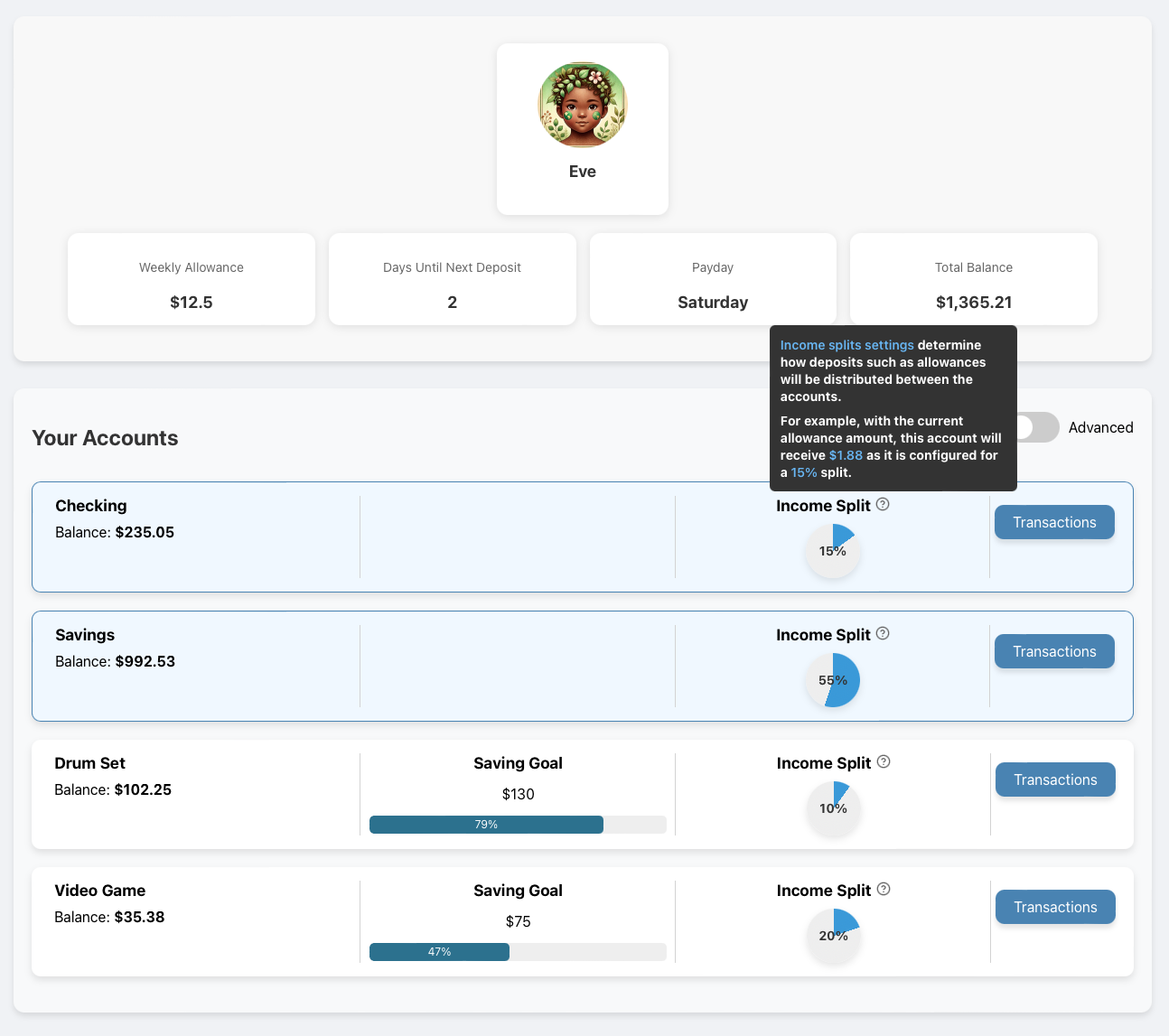
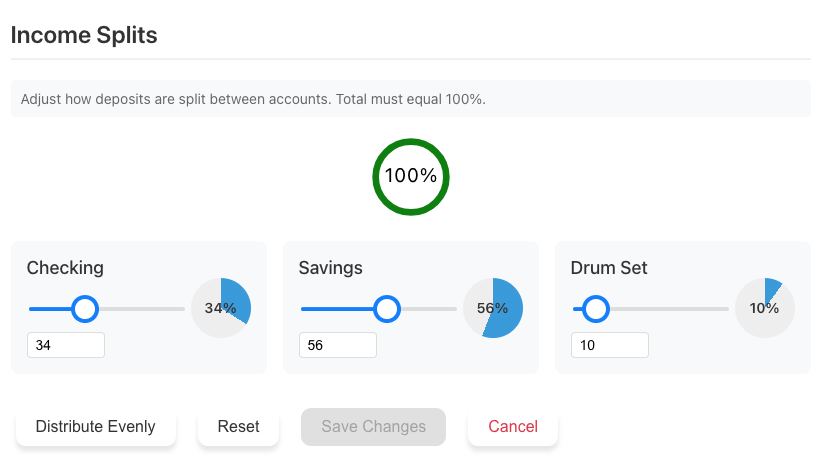
Income Splits
Teach budgeting by automatically dividing allowances between spending, saving, and goal accounts.

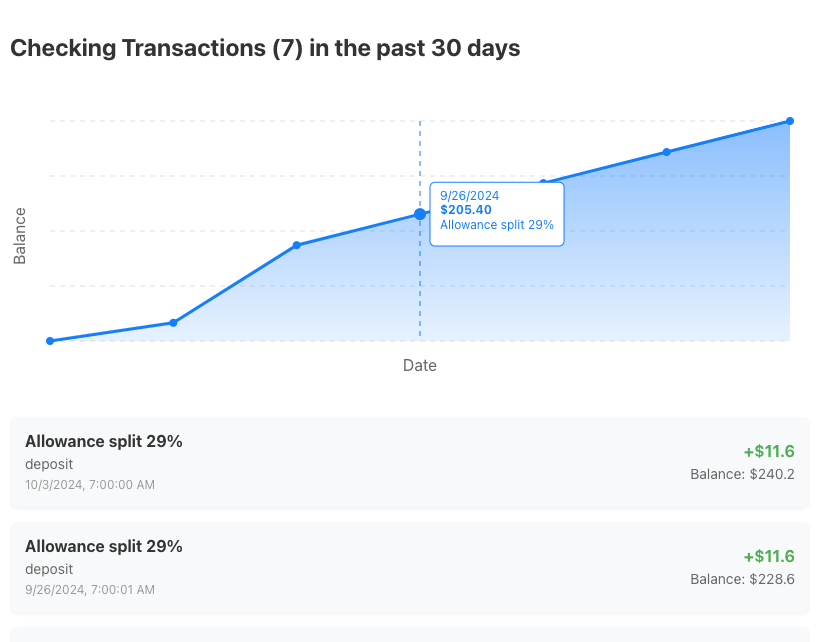
Transaction Tracking
Monitor spending and saving patterns over time with easy-to-understand graphs and charts.

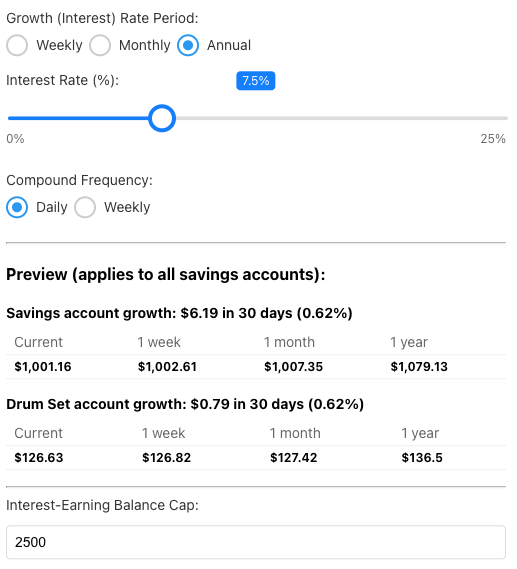
Savings Interest Rate
Teach the power of saving through realistic compound interest on savings accounts.

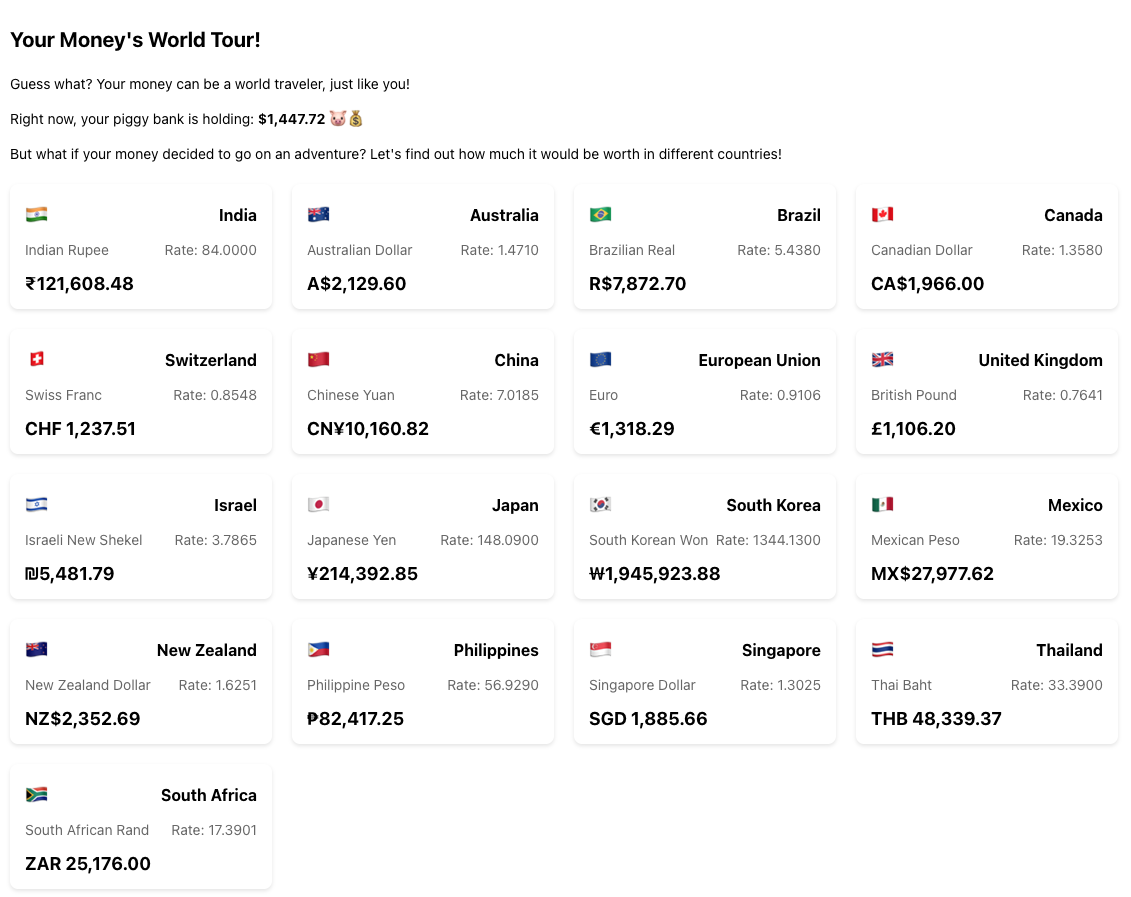
Global Currency Explorer
Introduce your kids to international finance by exploring currency values from around the world.

Loans
Teach responsible borrowing with simulated loan experiences.

Investment Simulations
An introduction to the stock market and investments for older children.
The parent view
Every kid, every balance, every goal on one screen. Approve, adjust, and see where the pocket money went, without asking.
How it works
Create a family account
Set up a parent account and add your children.
Set up child profiles
Name, avatar, and a starting balance for each kid.
Set allowances and splits
Recurring pocket money, divided between spending, saving and goals.
Set saving goals
Kids pick a target and track it visually.
Watch it grow
Follow transactions and celebrate milestones together.
Why is it free?
We built PiggyBunker for our own kids and open it to every family. There is no premium tier, no ads, and nothing we sell on the side. It is free today and it stays free.
Your privacy matters
Your family's personal information should stay personal. We built this for our own kids, and we treat yours the same way.
- NEVER sell or trade your personal information
- NEVER use trackers or non-essential cookies
- NEVER embed social media tracking elements
- ALWAYS keep our security protocols up to date
- ALWAYS give you full control over your data
 Free. Forever. No catch.
Ready to play?
Set up takes five minutes. The lessons last a lot longer.
Start your family's journey